
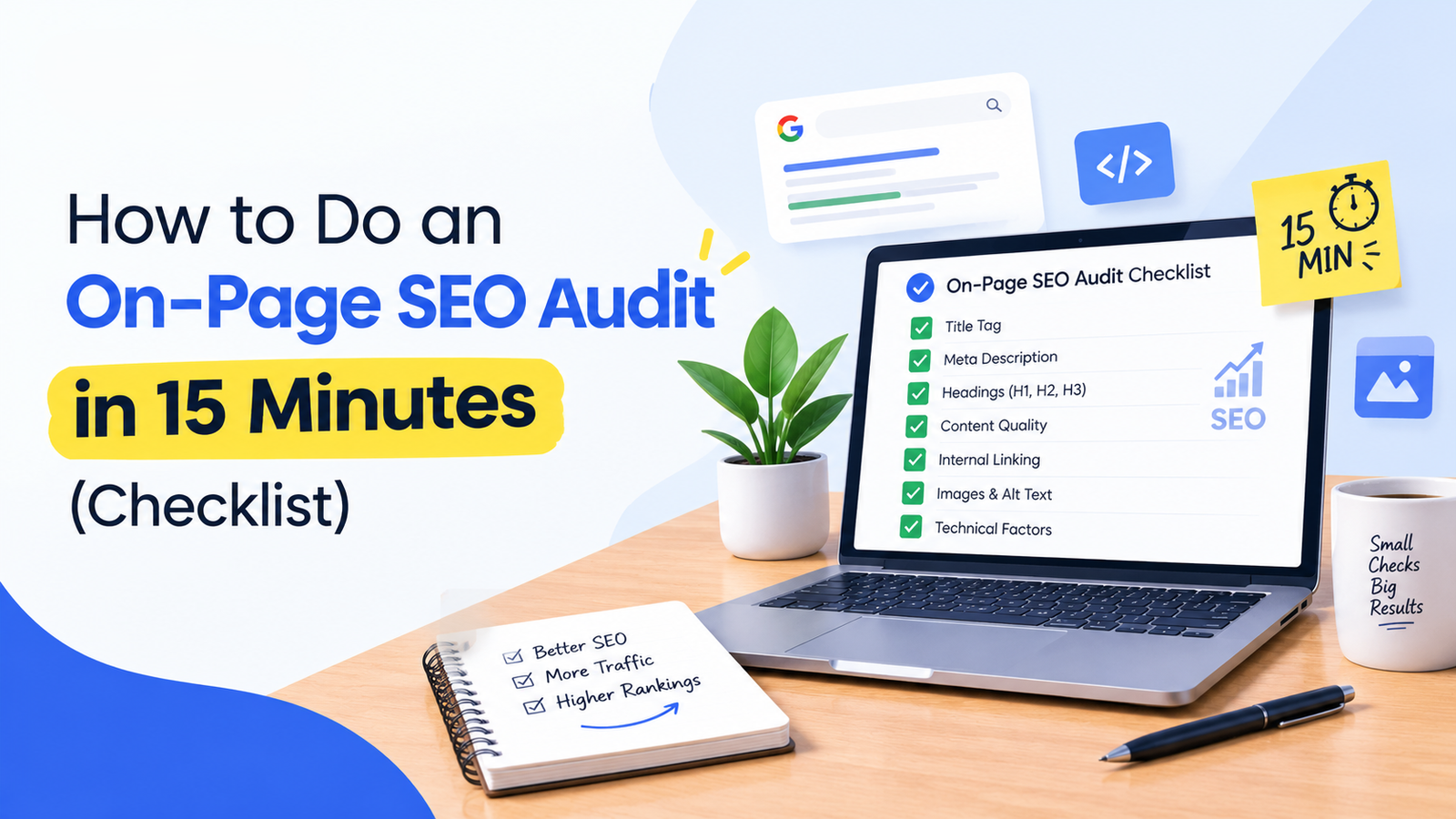
Most websites don’t struggle because of one dramatic SEO mistake. They struggle because of a dozen small ones: a missing meta description, two H1 tags, images without alt text, a page that takes five seconds to load on mobile. Each looks harmless alone. Together, they make it harder for Google to understand your page and easier for visitors to leave.
The good news is that you can find most of these problems in about 15 minutes, without paid software. Here is a simple audit you can run on any page, starting with your homepage and your most important service or product pages.
To speed things up, you can run the page through a free tool like the GenixCrew SEO Audit Tool, which scans the checks below and marks each as passed, warning, or failed. Understanding what each check means will help you fix issues rather than just spot them.
1. Title Tag and Meta Description
Your title tag is the clickable headline in search results, and it is one of the strongest on-page signals you control.
What to check:
- The title is unique to the page and includes your main keyword, ideally near the start.
- It stays around 50-60 characters so it doesn’t get cut off.
- The meta description is written for humans, roughly 150-155 characters, with a reason to click.
- A canonical URL is set, so duplicate versions of the page don’t compete with each other.
A meta description doesn’t directly boost rankings, but a better one earns more clicks from the position you already hold.
2. Heading Structure
Headings tell both readers and search engines how your content is organized.
What to check:
- Exactly one H1 that describes the page topic.
- H2s for main sections and H3s for subsections, with no skipped levels (an H2 followed directly by an H4, for example).
- No empty headings, which often come from page builders and themes.
A quick test: read only your headings. If the page’s story still makes sense, the structure is working.
3. Image Optimization
Images are often the heaviest part of a page and the most neglected for SEO.
What to check:
- Every meaningful image has descriptive alt text (not “image1.jpg” or a keyword dump).
- Images are sized appropriately and not far larger than they display.
- Modern formats like WebP are used where possible.
- Below-the-fold images are lazy loaded.
Alt text helps accessibility first and image search second. Write it for someone who can’t see the image.
4. Internal and External Links
Links show Google how your pages relate and which ones matter.
What to check:
- Important pages are linked from other relevant pages on your site.
- Anchor text is descriptive. “Click here” and “read more” tell search engines nothing.
- No links with empty anchor text.
- External links point to credible sources, with nofollow used where appropriate.
Internal linking is one of the cheapest ways to lift a page, because you control it completely.
5. Technical Basics
This is the layer users never see but search engines depend on.
What to check:
- The site runs on HTTPS with no mixed content (insecure resources loading on a secure page).
- The server responds quickly and the page is compressed.
- A robots.txt file exists and isn’t accidentally blocking important pages.
- An XML sitemap is present and submitted in Google Search Console.
- Structured data is in place where it fits, such as FAQs, articles, or local business details.
Accidentally blocking a section of your site in robots.txt is more common than you’d think, and it can quietly erase pages from search.
6. Content Quality Signals
No audit can tell you whether your writing is good, but it can flag warning signs.
What to check:
- The page has enough content to answer the query. Very thin pages rarely compete.
- Your main keyword appears naturally in the title, H1, and opening paragraph.
- The most frequently used words on the page match what you want to rank for.
If your most-used terms are unrelated to your target topic, the page may be sending mixed signals.
7. Page Speed and Core Web Vitals
Slow pages lose visitors before they’ve read a word, and speed is part of Google’s page experience signals.
What to check:
- Mobile and desktop performance scores in Google PageSpeed Insights.
- Core Web Vitals: loading speed, interactivity, and visual stability.
- The top opportunities listed, usually image compression, unused JavaScript, and render-blocking resources.
Prioritize mobile. Most search traffic comes from phones, and mobile scores are usually lower.
8. Branding and Mobile Details
These are small, but they affect trust and how your site appears across devices.
What to check:
- A favicon so your site is recognizable in browser tabs and search results.
- An Apple touch icon and theme color for mobile.
- A correct mobile viewport tag.
- Open Graph and Twitter card tags so links look right when shared.
How to Turn Audit Results Into Action
An audit is only useful if you act on it. Fix in this order:
- Failed checks that block crawling or indexing (robots.txt, canonical errors, HTTPS issues).
- Failed checks on high-value pages (title, H1, meta description).
- Speed problems that affect every visitor.
- Warnings and polish like alt text, anchor text, and social tags.
Then re-run the audit after changes to confirm the fixes worked. Make it a habit after any redesign, plugin update, or migration, and again every few months.
A Few Common Mistakes to Avoid
- Auditing only the homepage. Run the audit on your service, product, and blog pages too. Tools like this check one URL at a time.
- Chasing a perfect score. A score is a guide to what to fix, not a ranking guarantee.
- Fixing everything at once. Change in batches so you can tell what moved the needle.
- Ignoring content. Technical health removes obstacles, but pages still need to genuinely answer what people are searching for.
Final Thoughts
On-page SEO rewards consistency more than cleverness. A page with a clear title, clean headings, optimized images, sensible internal links, and fast loading already beats many competitors who skip the basics. Run an audit, fix what matters most, and repeat. For a quick first pass, the free SEO audit tool from GenixCrew needs no signup or email and reports back in seconds.